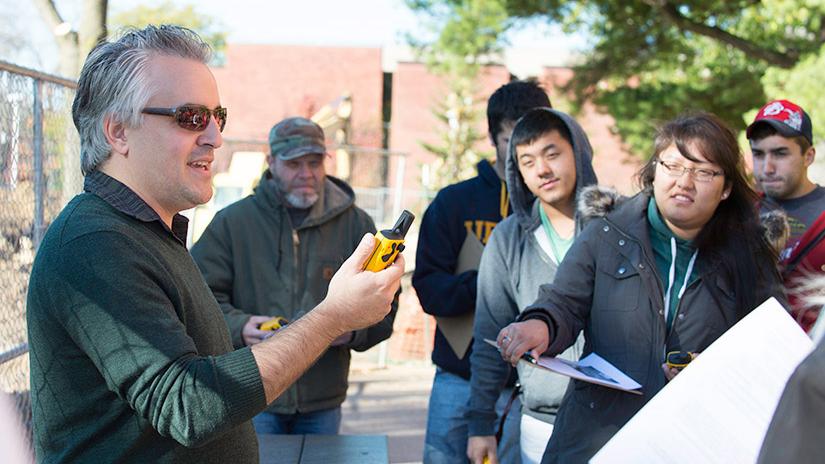

Geography is a field that uses an interdisciplinary approach to understand patterns of human activity and natural processes on the surface of the earth. Geographers are often called upon to analyze and solve problems that deal with interactions between people and the environment. Geography appeals to students who have a wide range of interests that involve human activities and their impacts on the natural environment.
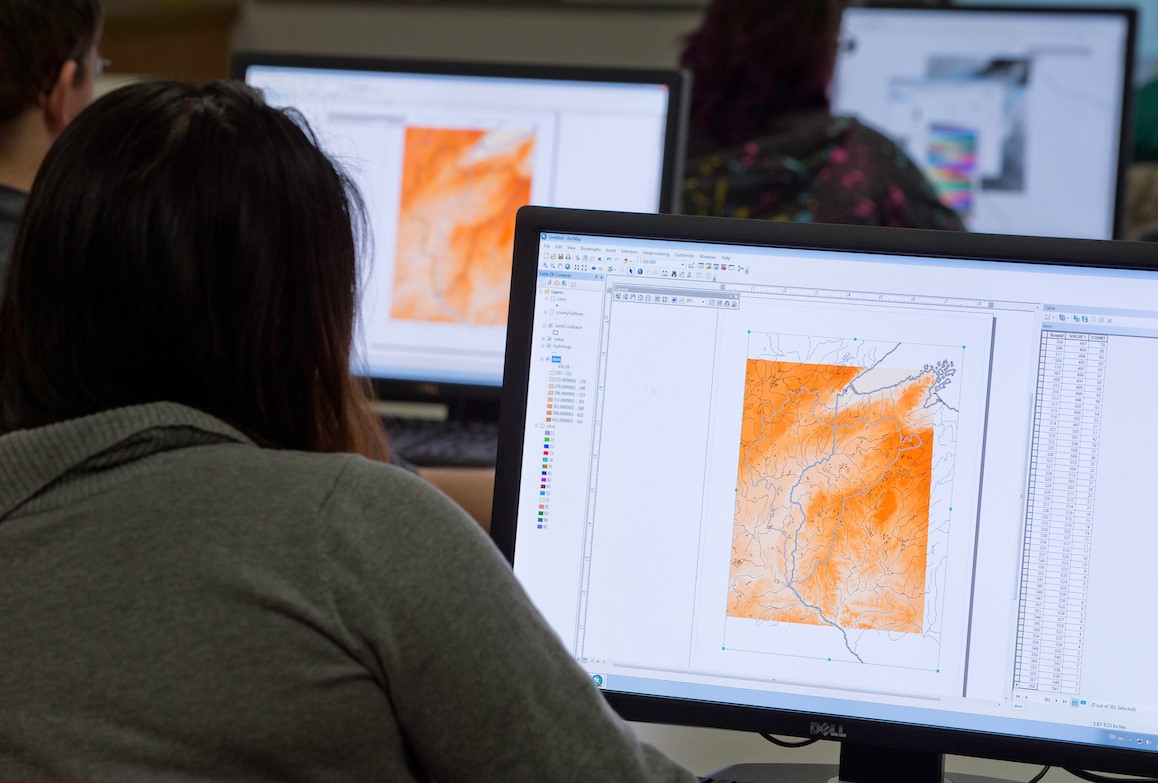
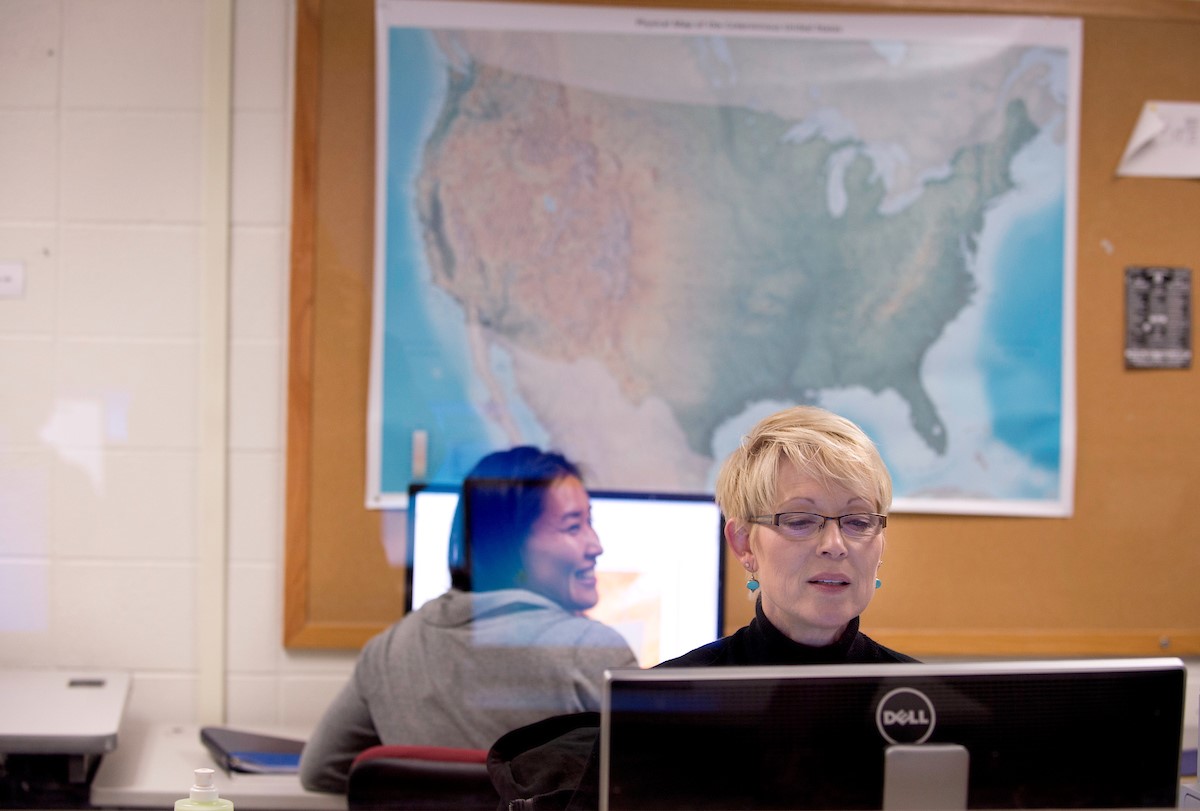
Geographic Information Science is a set of techniques that include Cartography (the art and science of map making), GIS - Geographic Information Systems (the analysis of spatial patterns), and Remote Sensing (the analysis of satellite imagery). These techniques are useful in displaying, understanding, and analyzing spatial relationships. Many other disciplines, such as biology, business, marketing, criminal justice, land use planning, and urban studies utilize mapping techniques.
Program Highlights
- The Geography and GIS program equips you with hands-on experience for a variety of careers in a rapidly growing industry.
- Faculty are active specialists in the field.
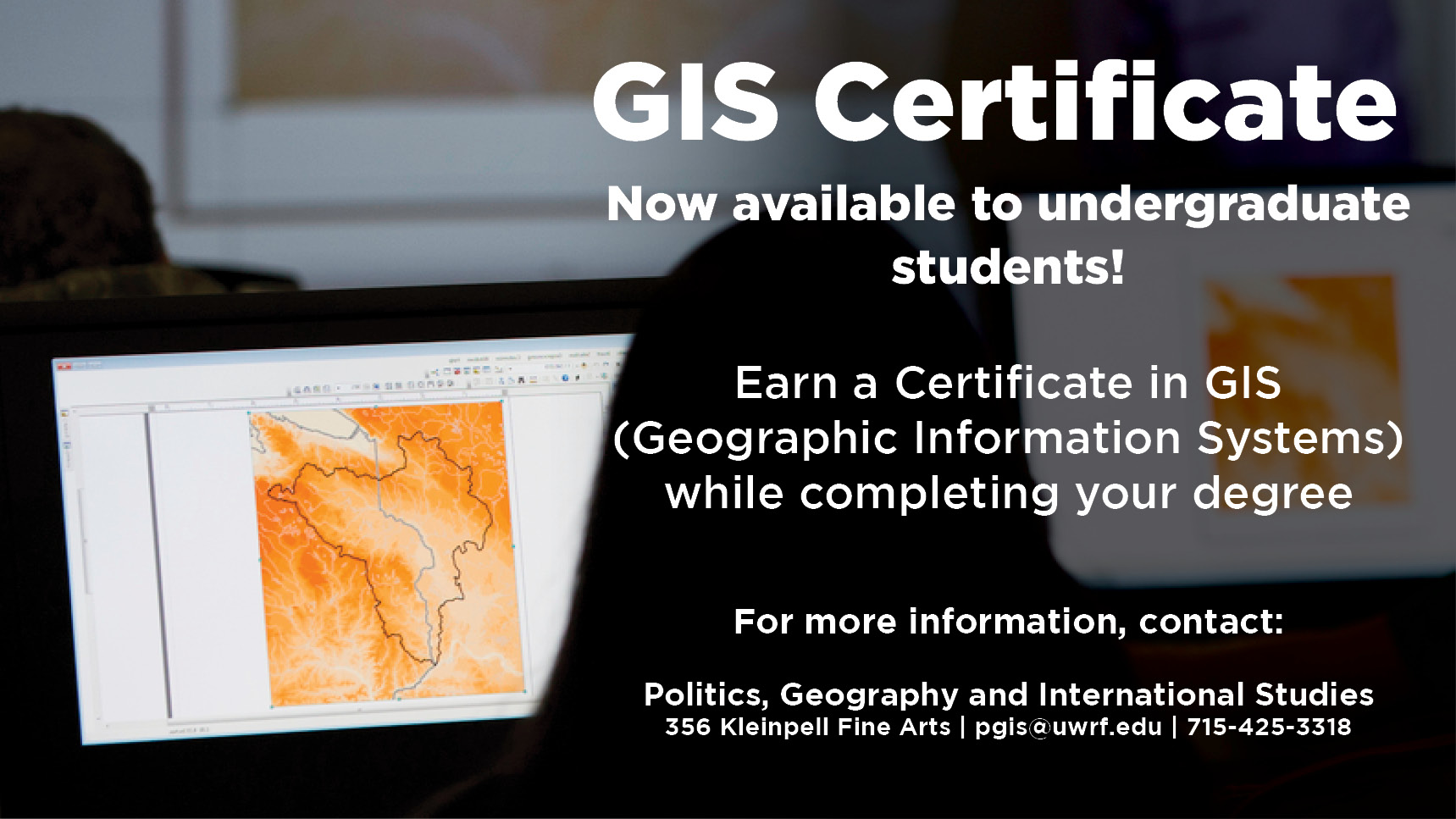
- GIS certificate program for continuing education and for undergraduate students pursuing a degree.
- State-of-the-art GIS lab
- Individualized plan options
- Abundant education abroad opportunities, including geography coursework
- Active internship program
Degree and Program Requirements
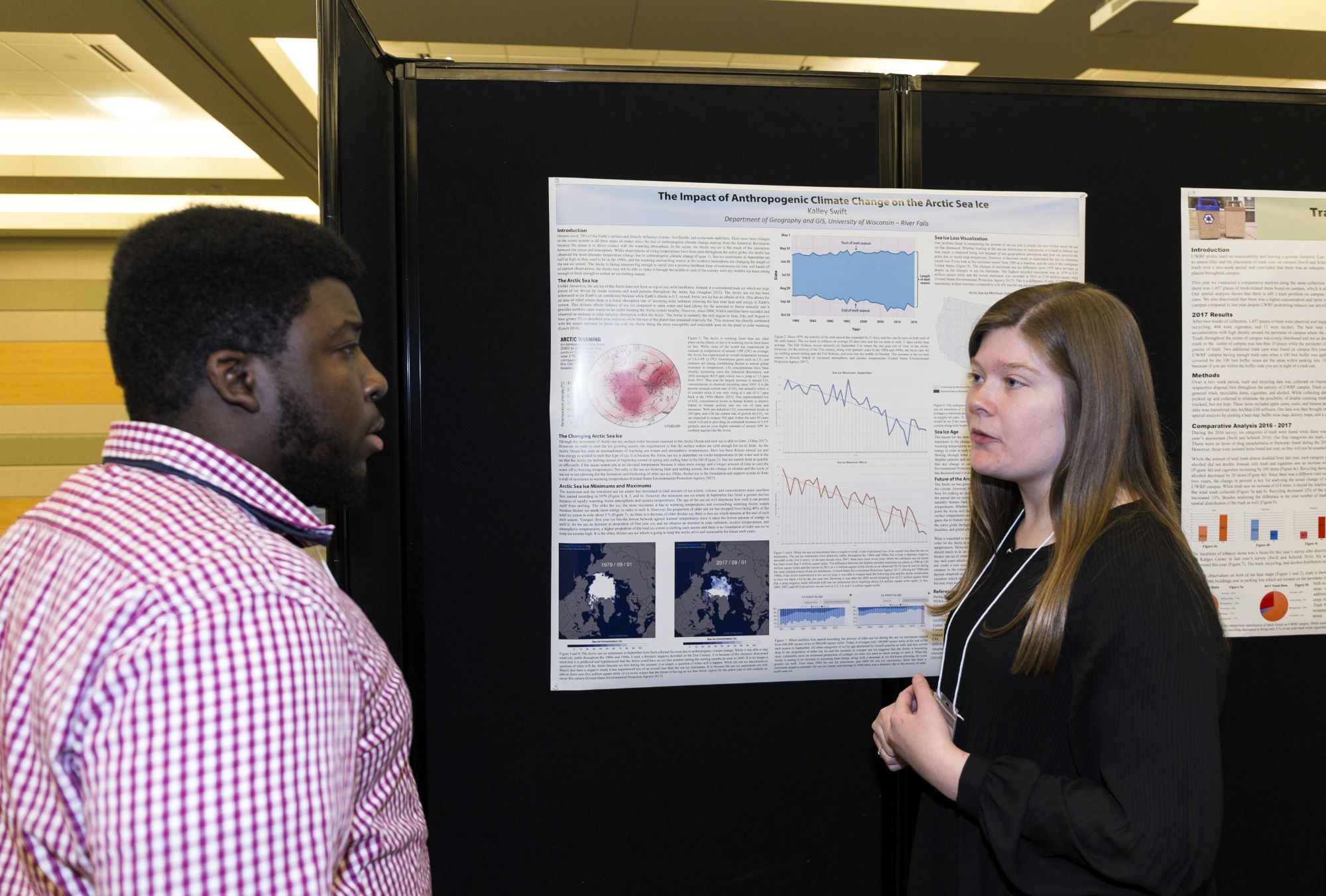
 "There are many things I appreciate about the geography program here at UWRF. The department is fairly small, and because of this, I've had the same few professors numerous times. This allowed me to feel like the professors really knew me personally and knew how to best help me succeed in the program. I never felt like just a number. Another thing I appreciate is how few limitations there are when it comes to projects. In general, there are no strict formats that you have to follow when making your research poster or when writing your paper, and there are really no topics that are off-limits. This allowed me to really get creative and pick topics that I found interesting and/or meaningful. Lastly, there are so many resources to help you succeed. The GIS lab has just about every GIS-related software imaginable, and the professors are always there to help you with anything."
- Emma Jaworski (2022)
 "I was drawn to the international studies major at UWRF because I am passionate about different cultures and our increasingly global society. I have loved all of my classes here at UWRF, but my favorites from the international studies major have to be Introduction to International Studies, INTS 200, and World and Food Populations, AGEC 250. Both of these classes helped me learn about current social and political issues that exist in our world. I have used information from these classes to direct my projects and hone in on how I can make a difference in the world.
 "One of the things that I appreciate most about the political science program at UWRF is how knowledgeable and interested the professors here are. I truly feel as though, in every class, the professors care about the topic they are talking about and want you to understand as much of it as possible. Also, I really like the discussions in class about the many different topics. Sometimes, talking about your views about politics and sharing your opinions with others openly can be difficult, but in the classes that I have taken in the past, the atmosphere felt safe so that you can speak your mind."